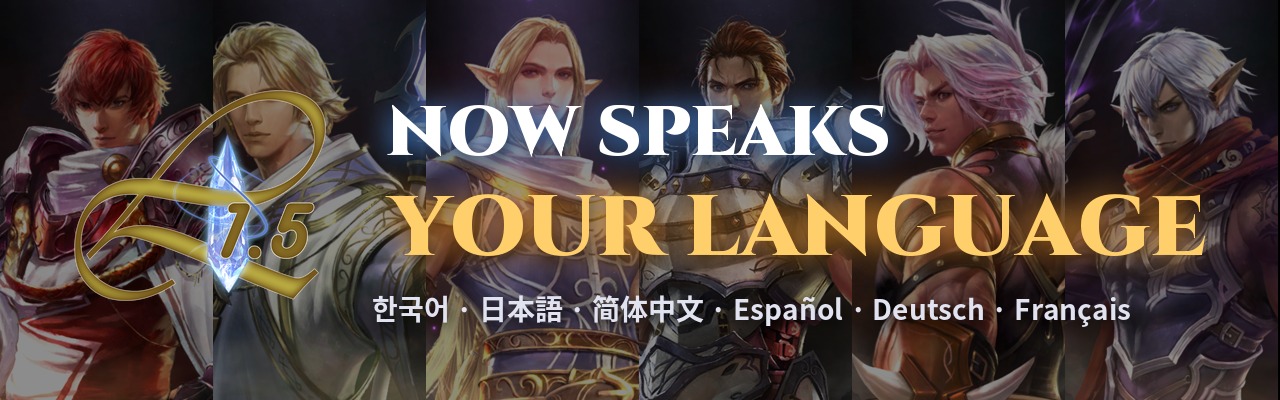
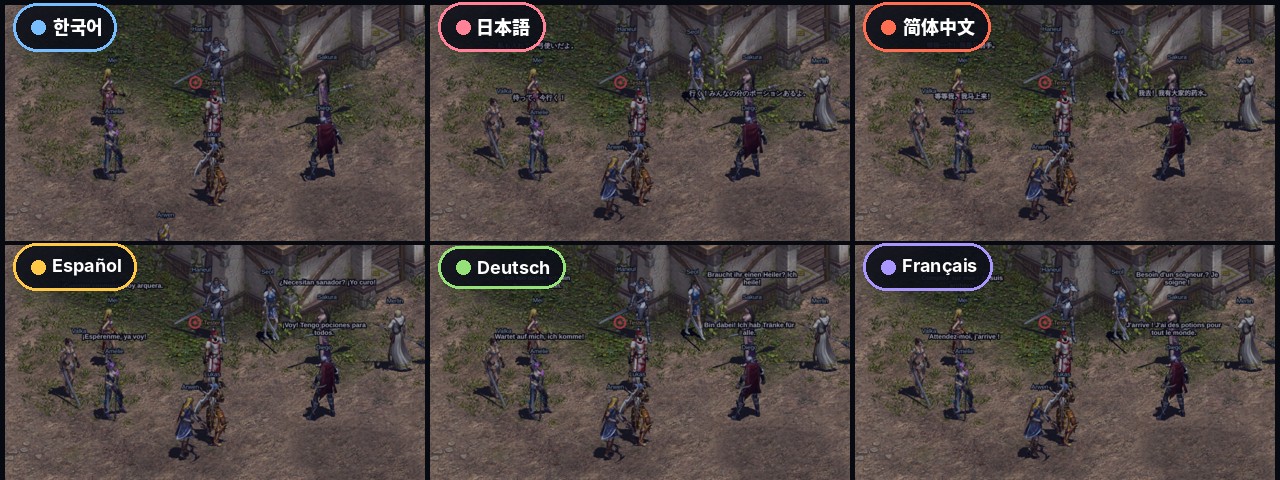
L1.5 now speaks your language! The browser client and the desktop app can now be played in Korean, Japanese, Chinese, Spanish, German and French, as well as English. And with the new chat auto-translation, you can talk to any player on the server, whatever language they type in.
Here are the highlights:
- The whole game interface in 7 languages: menus, windows, tooltips, class descriptions and NPC dialogs
- Chat auto-translation: what other players type shows up in your language, in the chat window and over their heads
- What you type is translated for them too, so everyone reads the conversation in their own language
- Click any translated line to see what was really typed
- Free, built in and on by default, translated on our own server
Play in Your Language
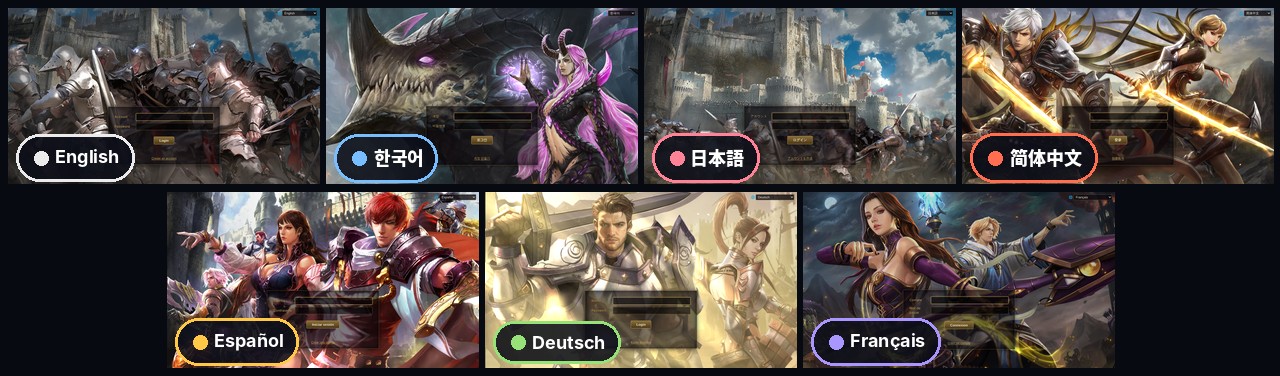
The game picks your language from your browser the first time you play. You can change it any time:
- On the login screen, click the globe in the top corner and pick a language.
- In game, open Settings > Display > Language.
The page reloads in the new language. Your characters, items and settings stay exactly as they are, and English players see no change at all.
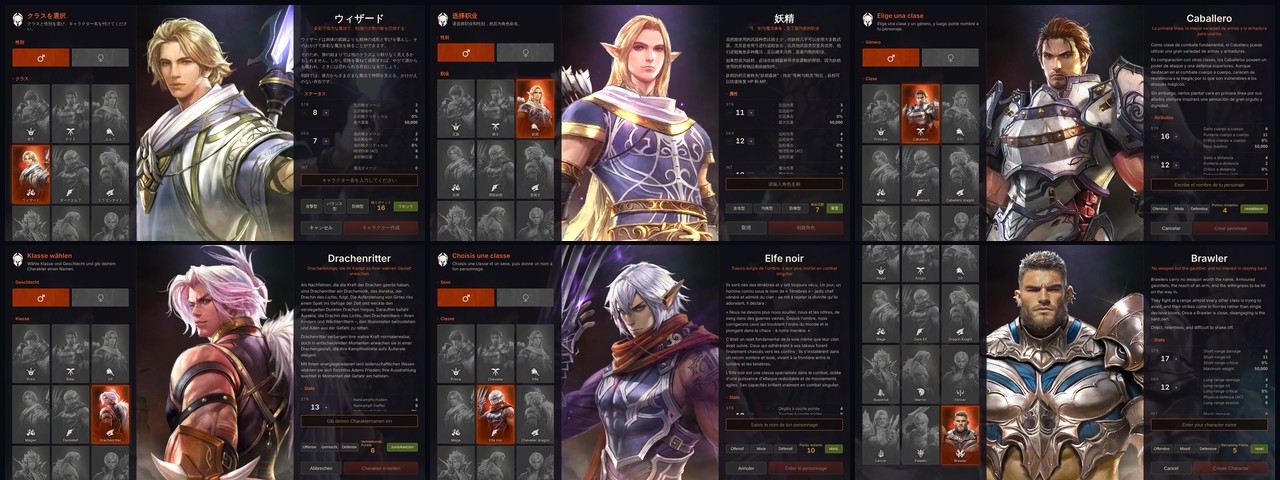
What is translated
- Every menu, window, button and tooltip
- Character creation, including the full description of every class
- NPC dialogs and map names
- Item, monster and NPC names
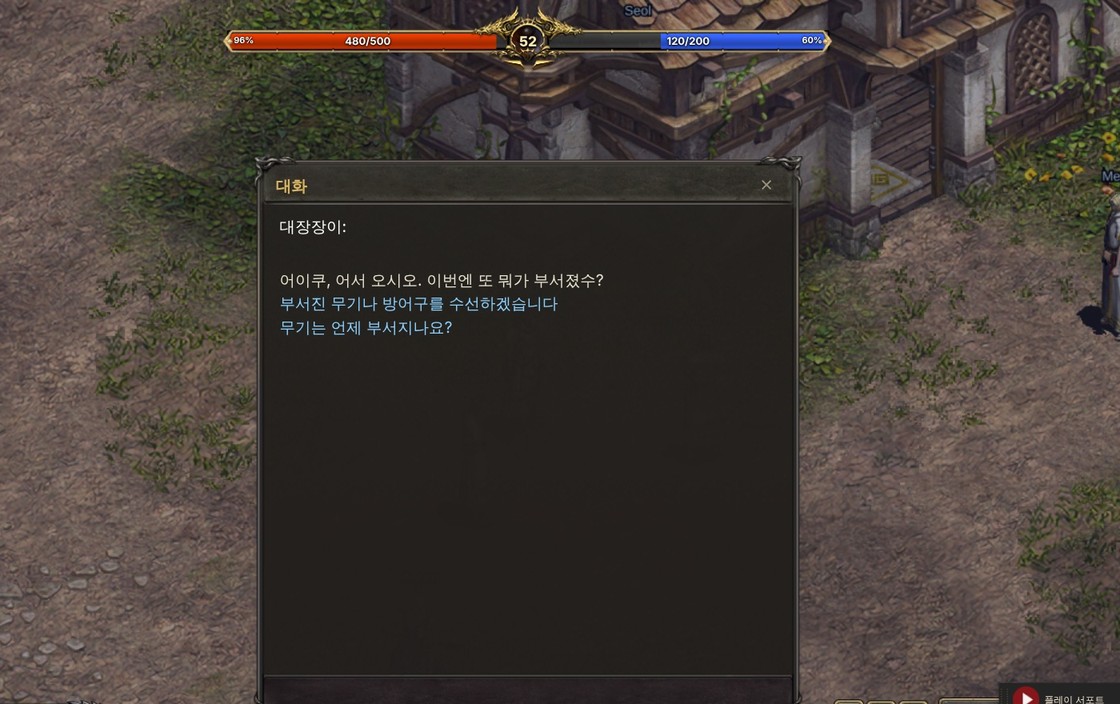
Some messages that come straight from the server, such as a few system notices, are still in English. We are translating those next.
Chat Auto-Translation
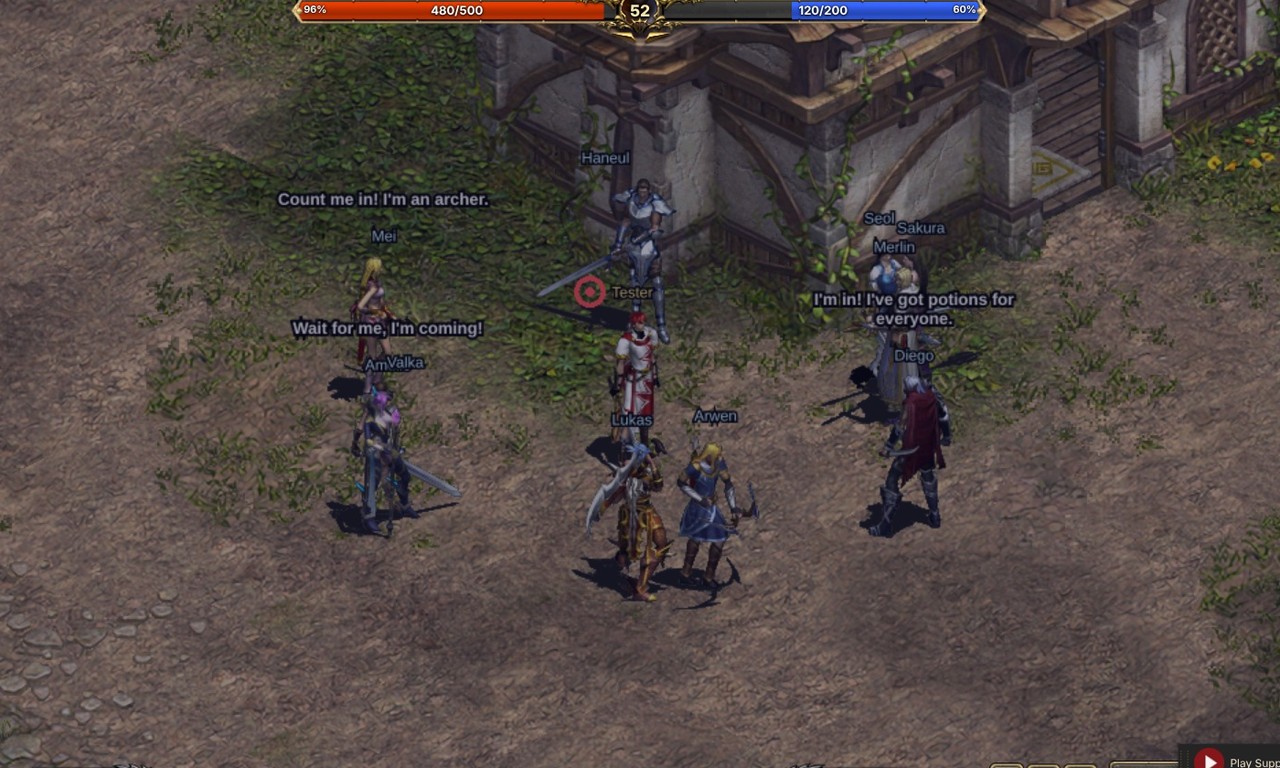
Talk to anyone. When another player types in a different language, the message appears instantly as they wrote it, and a moment later the translation replaces it, both in the chat window and in the speech bubble over their head.
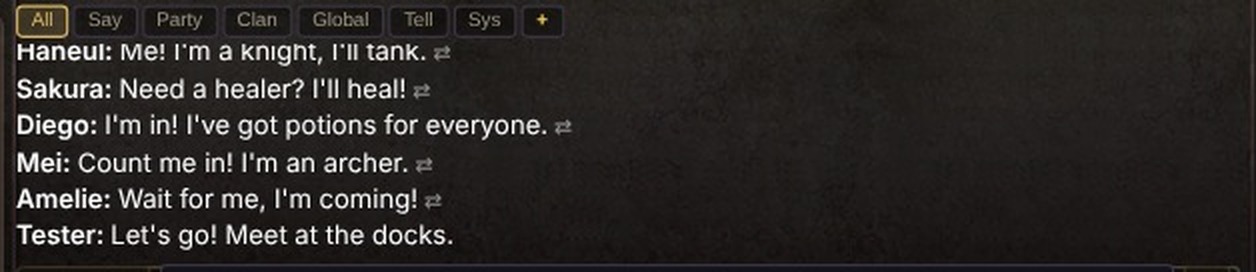
- Works in normal chat, whispers, party, clan, world and trade chat.
- Translated lines are marked with ⇄. Click a translated line to switch between the translation and the original, so you always know what was really said.
- What you type is translated for other players too, if they have translation on. Type in your own language, they read it in theirs.
- Translation happens on L1.5’s own server. Your chat is not sent to any outside translation service.
- Translations are made by a computer, so slang and jokes don’t always come through. When something reads oddly, click the line to see the original.
Settings
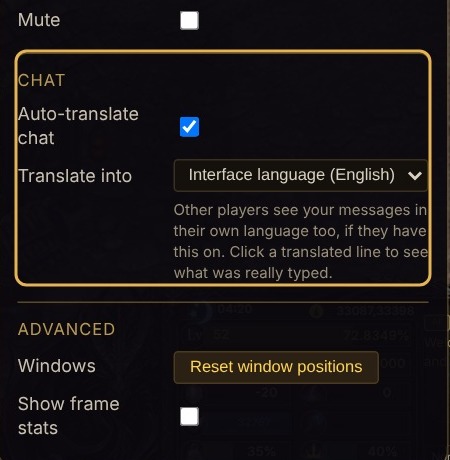
Chat translation is on by default. Under Settings > Chat you can:
- turn Auto-translate chat off or on, and
- pick the language to Translate into. It normally follows the game’s language, but you can, for example, play with an English interface and still have chat translated into Korean.
Which Client?
- Browser client (play.l15.org): all the languages and chat translation are live now. Nothing to download.
- Desktop app (l15.org): the desktop app runs the same client, so it has everything above. It updates itself.
- Classic game client: unchanged. Players on the classic client see chat exactly as before, and can talk with everyone else as usual.
Tell Your Friends
If you have friends who never tried L1.5 because the game was only in English, now is the time to bring them in. Send them the trailer, or just the link: play.l15.org. They can play in their own language from the first screen, and chat with you in theirs.
FAQ
Do I have to do anything to get my language?
No. The game picks it from your browser the first time. To change it, use the globe on the login screen or Settings > Display > Language.
Will this change anything for English players?
No. The English game is exactly the same as before. If you don’t want other players’ chat translated, turn it off under Settings > Chat.
Can other players see that I’m using a different language?
They see a small ⇄ mark on lines that were translated for them, and can click the line to see what you really typed.
A translation is wrong or reads badly. What do I do?
Click the line to read the original. If a menu, window or NPC text is translated badly, please tell us here on the boards, with a screenshot if you can, and we’ll fix it.
Does chat translation slow the game down?
No. Your message is sent and shown right away, exactly as before. The translation follows a moment later.
Is my chat sent anywhere?
No. Translation runs on L1.5’s own server, and translations are only kept in memory for a short time to avoid translating the same line twice.
See you in game, in whatever language you speak!